The salary policy related to AVS (Old-Age and Survivors’ Insurance) is based on a system of mandatory contributions designed to guarantee an income for retirees and survivors (widows and orphans).
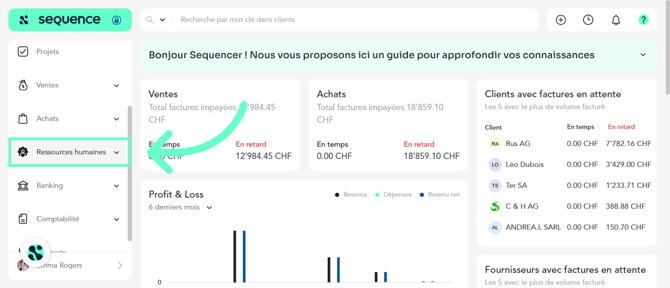
1. To complete the AVS salary policy in Sequence ERP, click on Human Resources in the left-hand side menu.
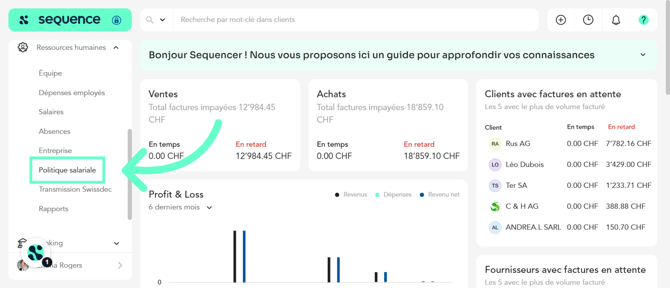
2. From the available options, select Salary Policy.
3. Go to the AVS tab.
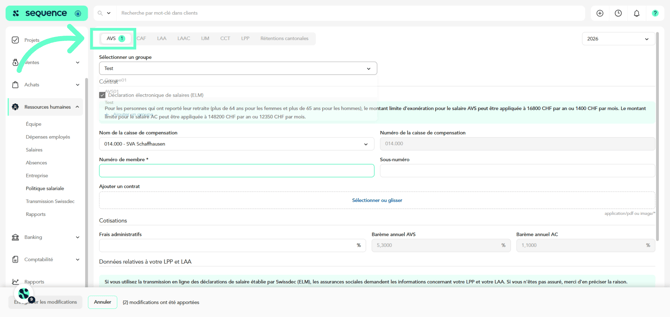
4. Select the reference year.
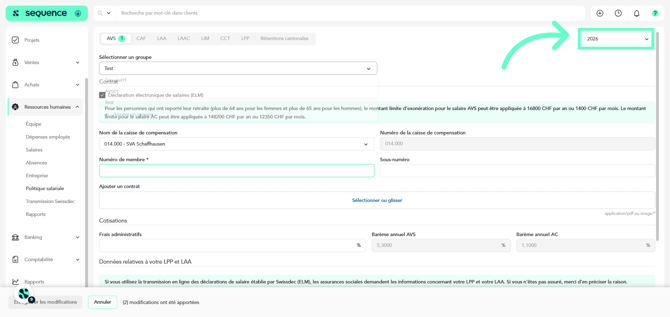
5. Create the group to which the AVS policy applies. This makes it possible to apply specific rules to a set of employees or entities, depending on your organization.
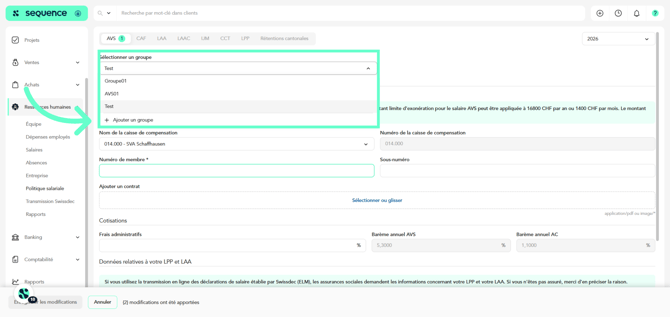
6. Enter the group name and click Confirm.
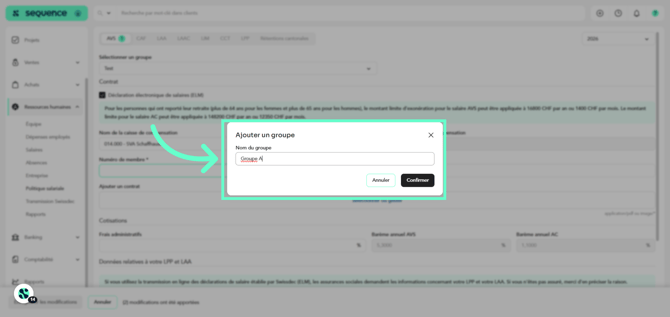
7. If your company uses electronic transmission via Swissdec, enable the option Electronic Salary Declaration (ELM). This allows the automatic exchange of salary data with social insurance institutions.
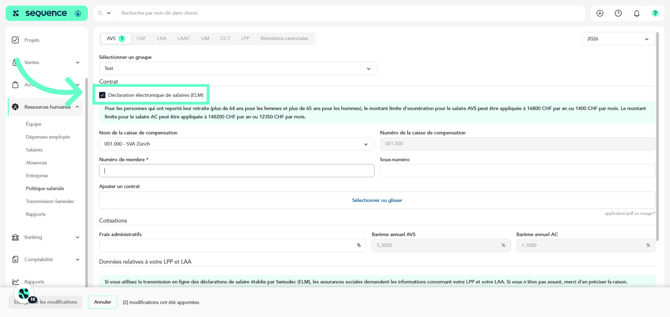
8. Special case: for individuals who have postponed their retirement (over 64 years old for women and over 65 years old for men), legislation provides for exempt amounts:
AVS – up to CHF 16,800 per year (CHF 1,400 per month) and
AC – up to CHF 148,200 per year (CHF 12,350 per month).
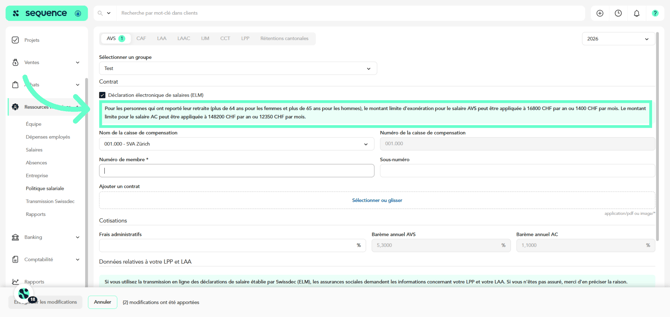
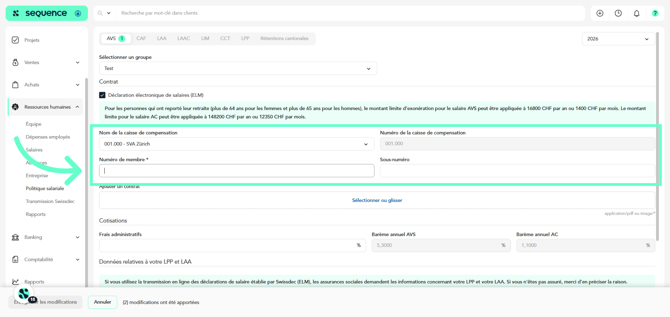
9. Then enter the information relating to your compensation fund: name and number of the fund, member number, sub-number (if applicable).
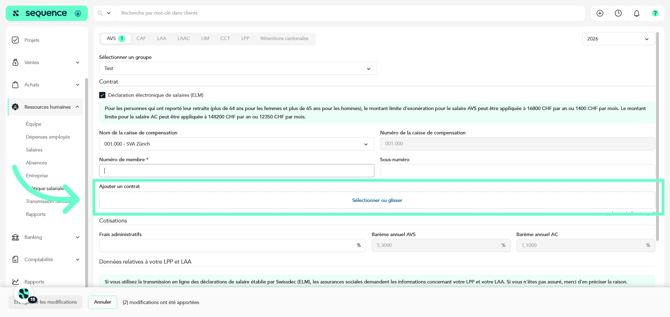
10. You can attach the contract with the compensation fund by uploading the corresponding document (PDF or image).
11. Sequence ERP automatically applies the statutory rates in force, in particular the annual AVS scale and the annual AC scale.
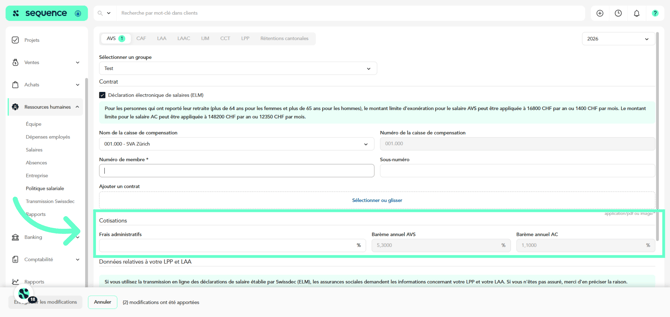
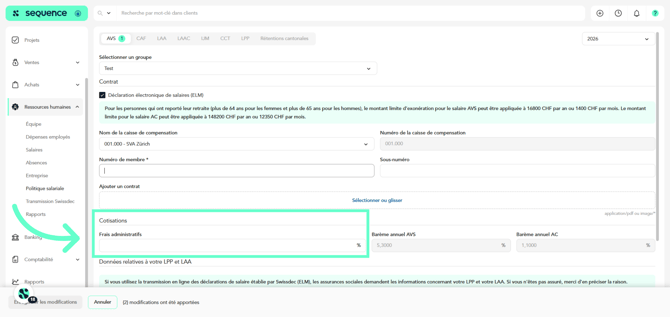
12. Administrative fees can also be entered if your fund applies them.
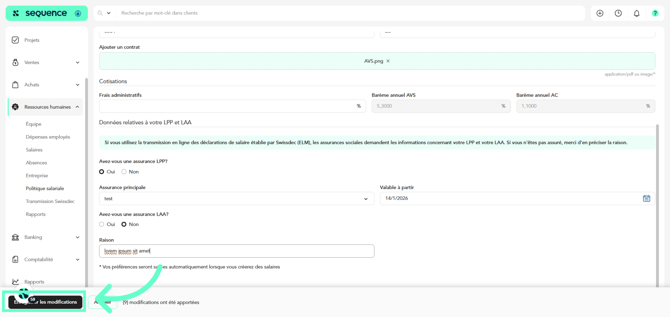
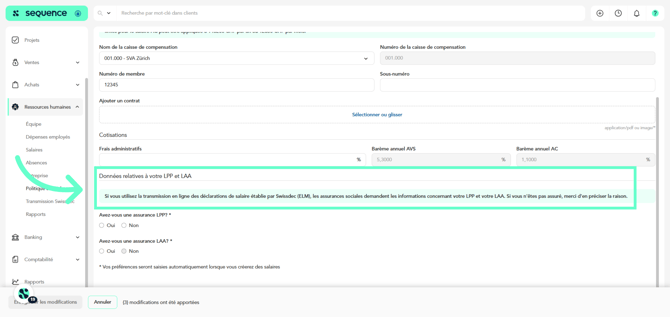
13. As part of the ELM declaration, social insurance institutions also require information regarding: LPP (occupational pension plan) and LAA (accident insurance).
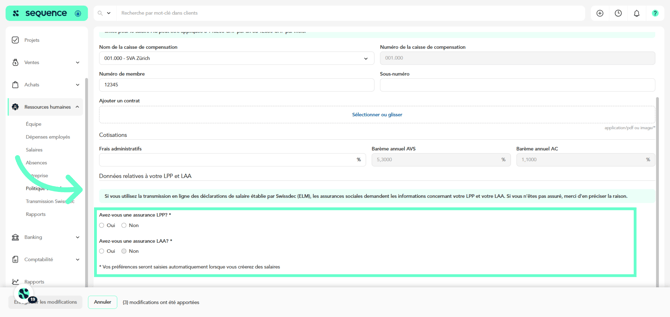
14. Indicate whether your company is insured under LPP or LAA. Select Yes or No. If not, specify the reason.
15. Finally, click Save.