In Switzerland, the CAF (Family Allowance Fund) is part of the mandatory social security system and aims to partially offset the costs related to children. Contributions are fully borne by the employer and are calculated on the salary subject to AHV/AVS, with rates varying by canton. The CAF provides for the payment of child and education allowances, which the employer receives from the fund and then pays to the employee via the payslip.
Since January 1, 2025, family allowances have been calculated on a pro rata basis according to days worked in the event of entry or exit during the month in the French-speaking cantons. Self-employed workers are also subject to mandatory affiliation and contributions to a CAF.
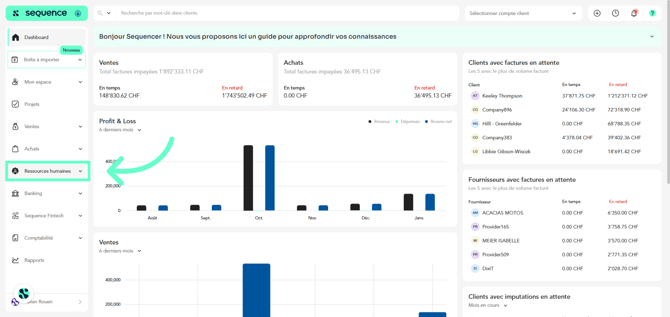
1. To complete the CAF salary policy, click on Human Resources in the left-hand side menu.
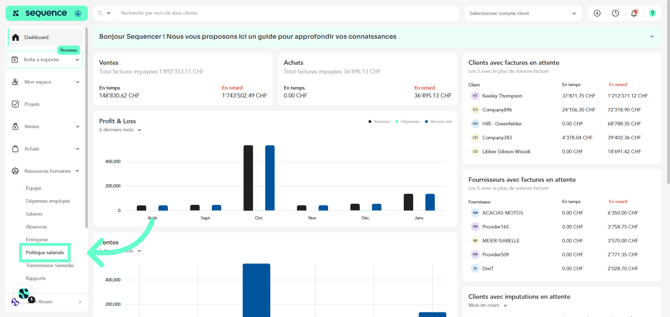
2. From the displayed options, select Salary Policy.
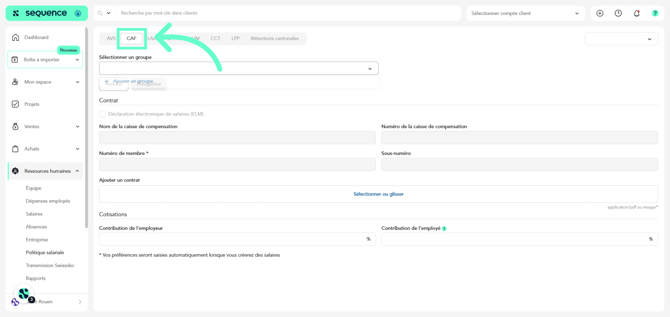
3. Go to the CAF tab.
4. Select the reference year.
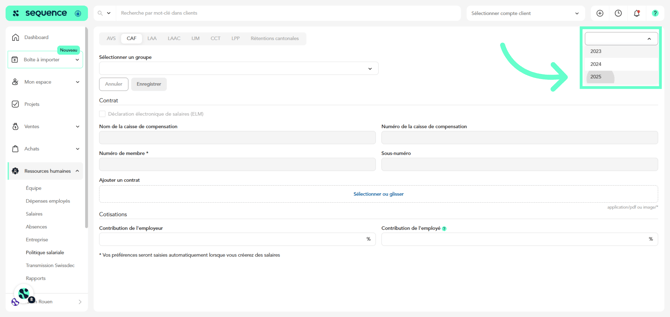
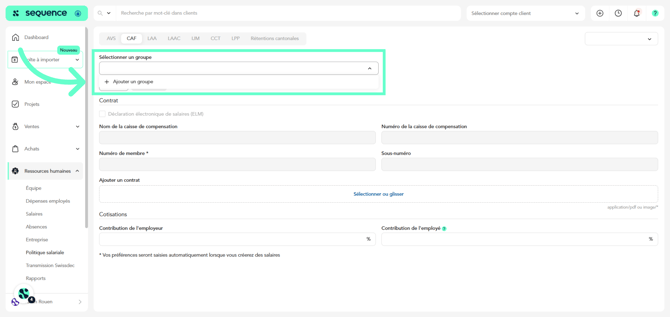
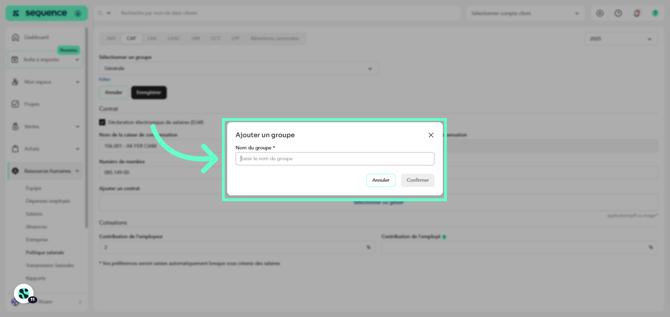
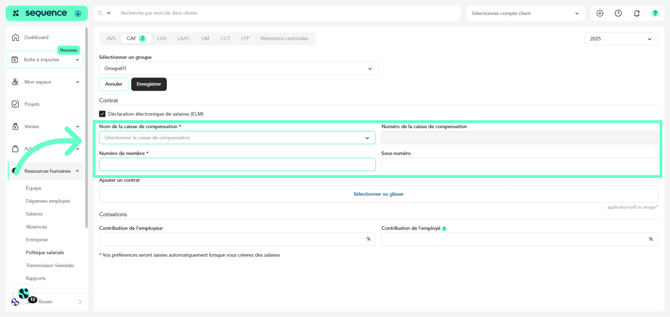
5. Create the group to which the CAF policy applies. This makes it possible to apply specific rules to a set of employees or entities, depending on your organization.
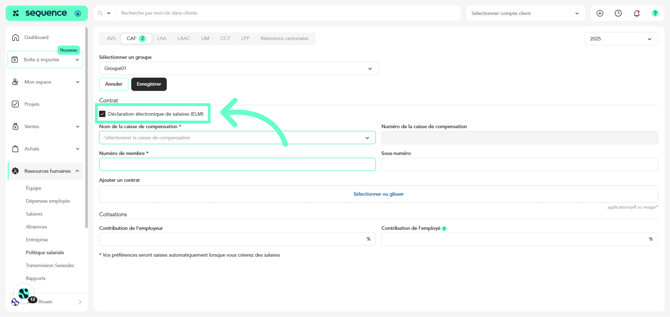
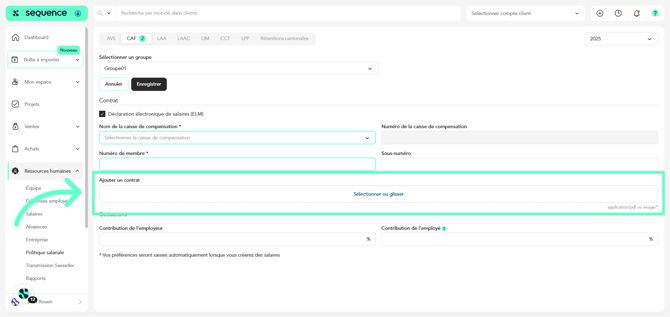
9. You may attach the contract with the compensation fund by uploading the corresponding document (PDF or image).
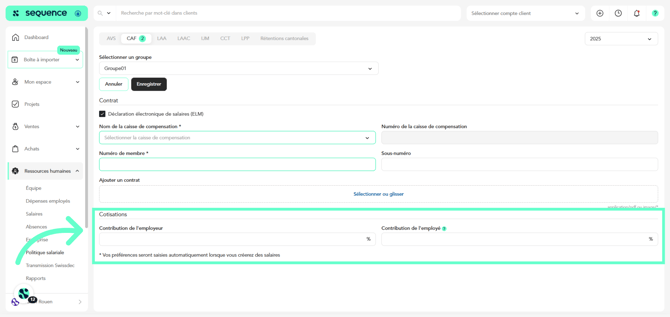
10. In the Contributions section, you can enter the Employer Contribution percentage and, if applicable, the Employee Contribution percentage.
As a general rule, CAF contributions are fully borne by the employer, but certain specific situations may require a different configuration depending on the canton or the fund.
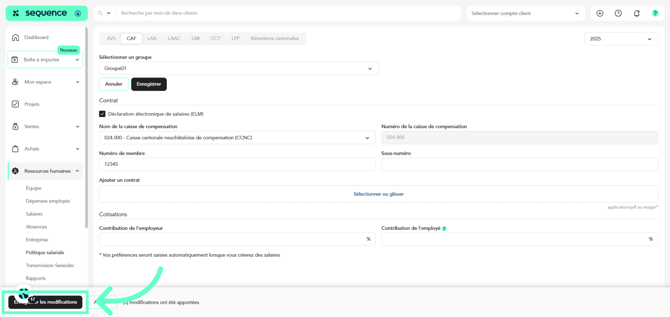
11. Finally, click Save.
Once the CAF salary policy has been completed, along with all other policies, you will be able to indicate which groups apply specifically to each of your employees, so that the corresponding contributions are correctly applied in their contracts.