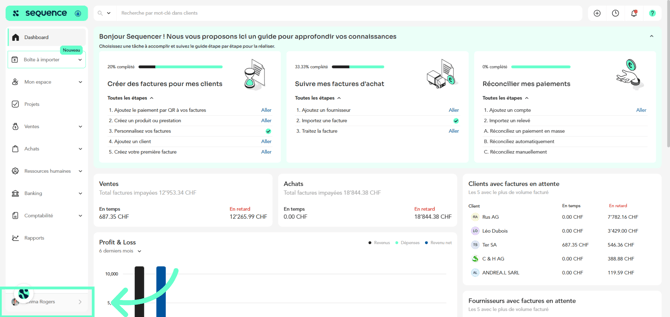
1. To add a new fiscal period, click on your profile at the bottom of the left-hand side menu.
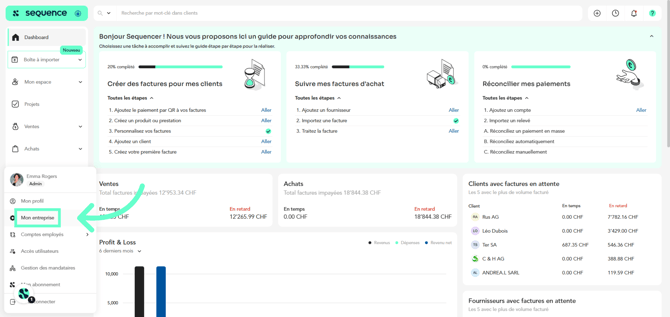
2. Then, click on My company.
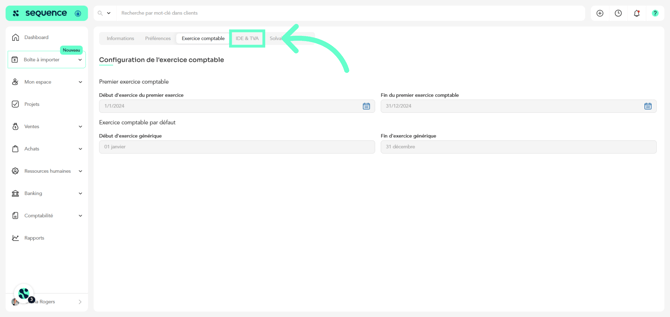
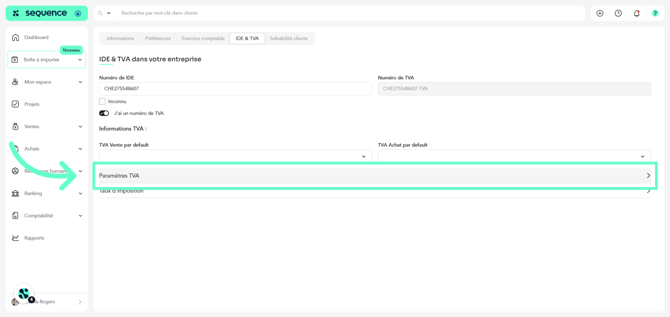
3. In My company, go to the IDE & VAT section
4. Click on VAT Settings.
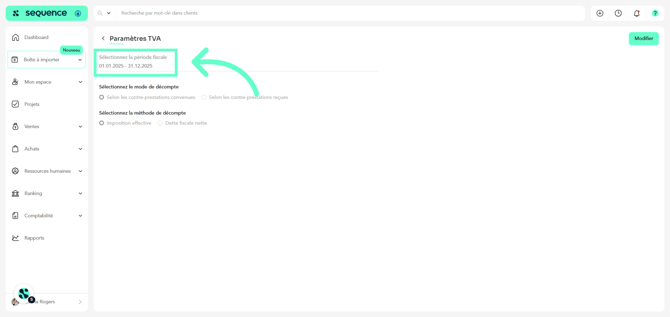
5. Here, you will be able to view your active fiscal period.
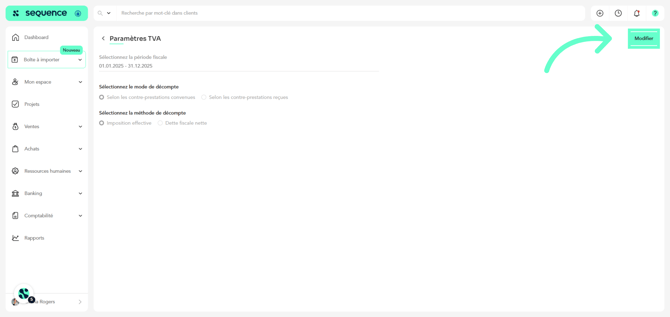
6. Click on Edit.
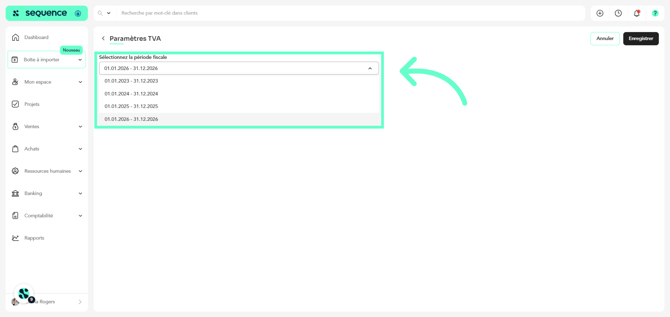
7. In the dropdown menu, you will find the button “Add a new one (fiscal year)”.
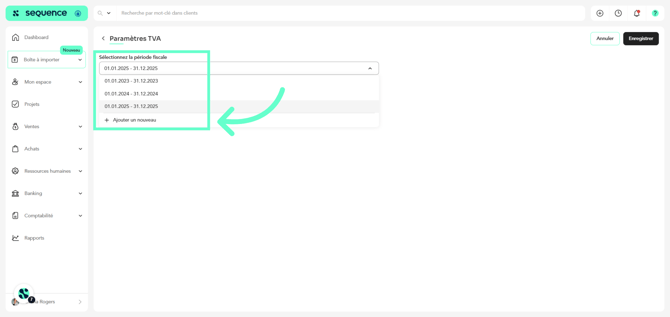
8. By clicking on it, only the fiscal period for the following year is automatically added; once added, the button disappears.
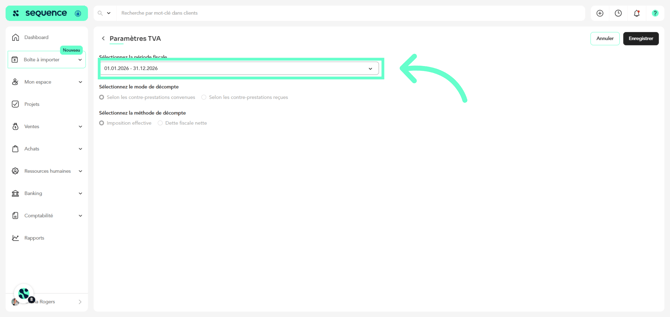
9. Keep the new fiscal period selected or, if it has not started yet, select the current one.
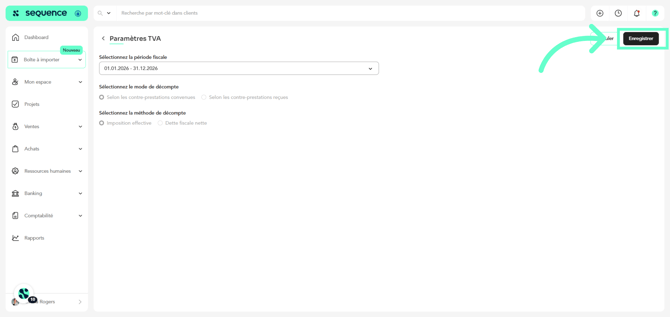
10. To finish, click on Save.