This guide explains how to access and download your salary certificates as an employee.
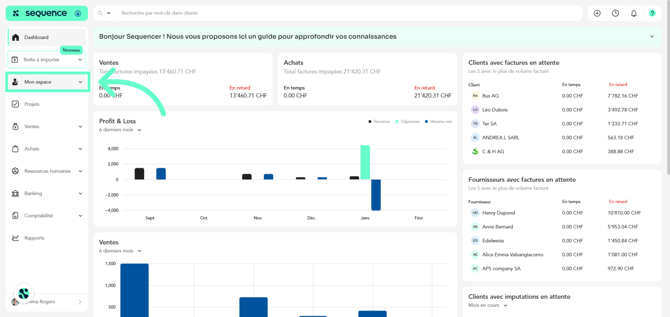
1. To download your salary certificates as an employee, click on My Space in the left-hand side menu.
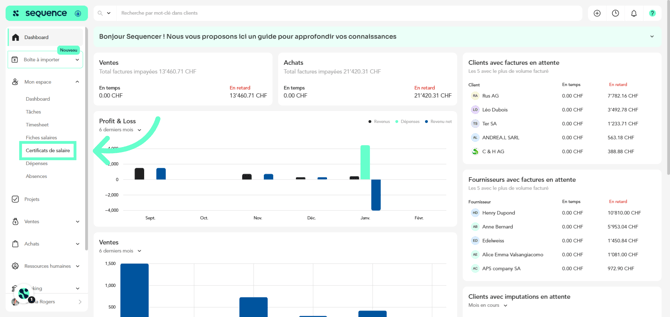
2. Among the displayed options, click on Salary Certificates.
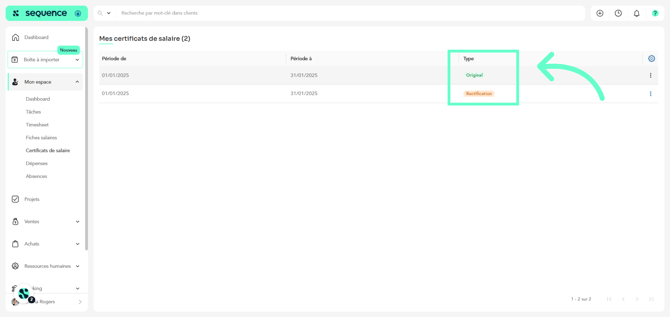
3. You will find a list of your salary certificates sorted by date and type.
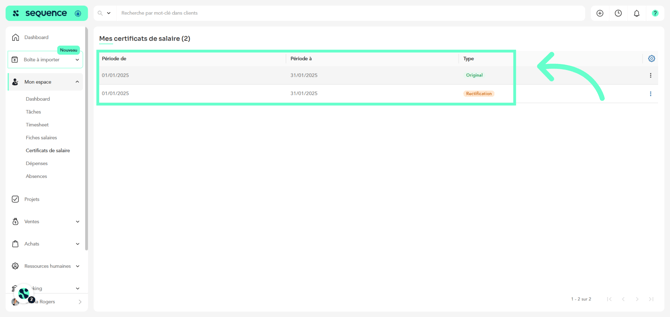
4. You will be able to see whether it is an original document or a correction.
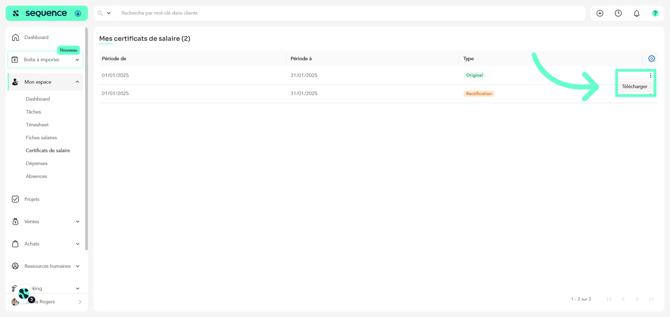
5. To download it, click on the certificate line or on the three dots, then click on Download.