
To edit bank transactions in bulk:
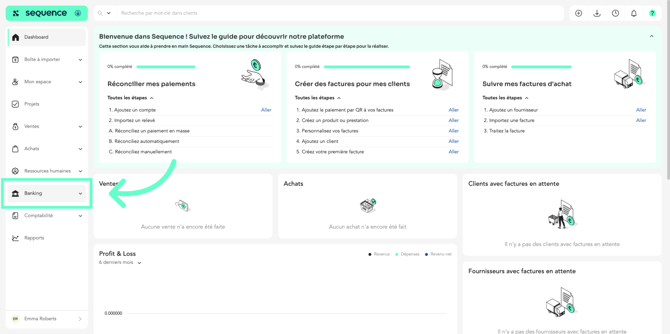
- Click on “Banking.”
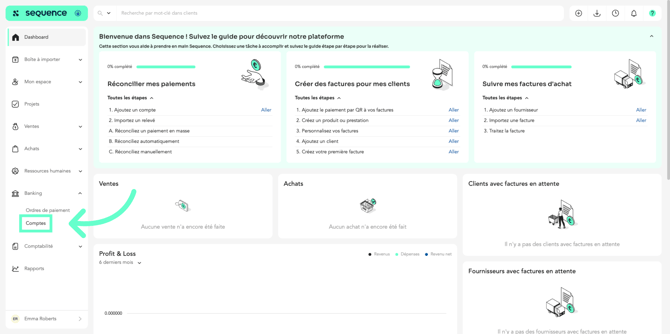
- Click on “Accounts.”
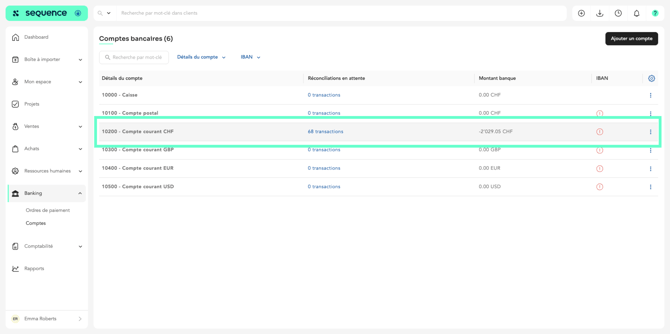
- Click on the corresponding account.
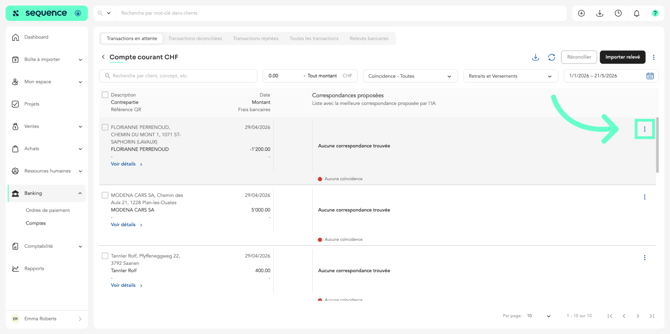
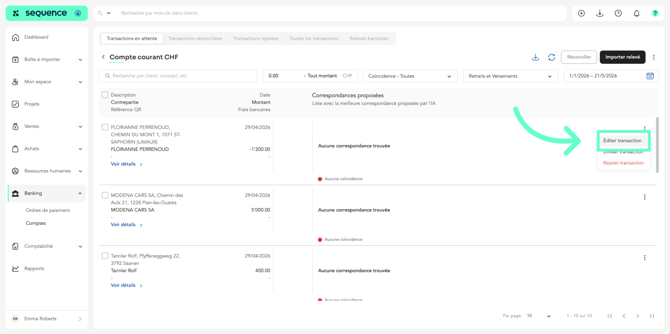
- Click on the three dots on the transaction line to access the menu.
- Then click on “Edit transaction.”
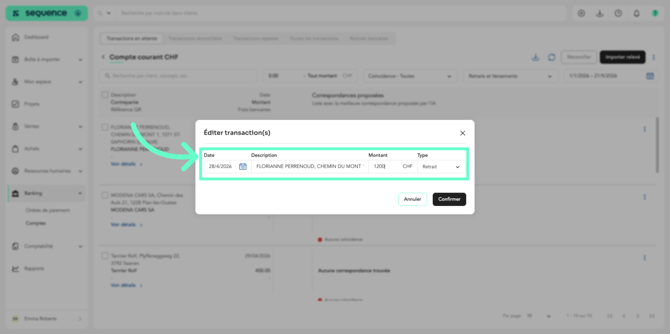
- Make the necessary changes.
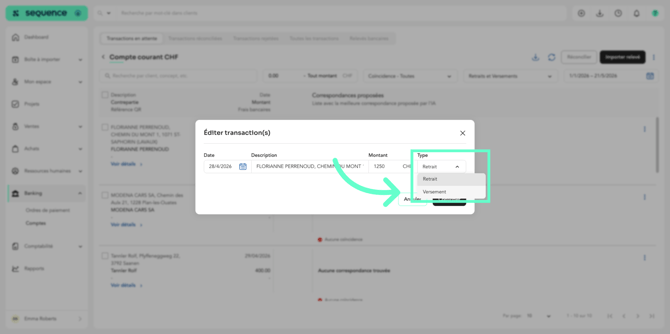
- Change the transaction type if needed.
- Once the modifications are complete, click “Confirm.”
To edit transactions in bulk: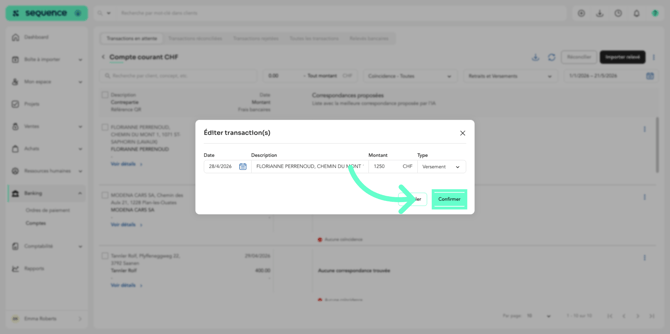
To edit transactions in bulk:
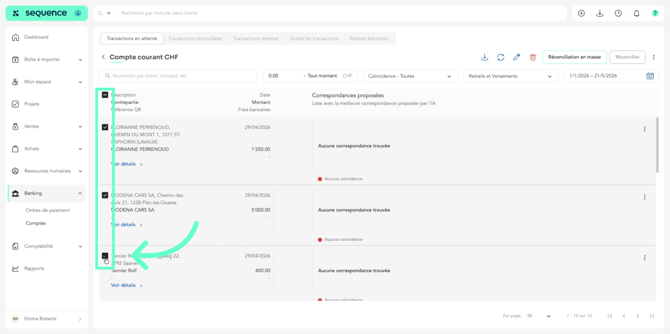
- Select the transactions you want to edit.
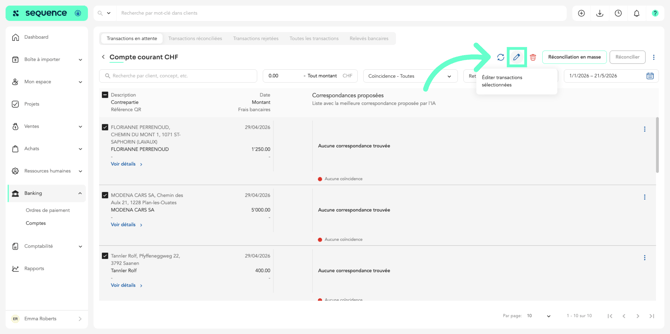
- Click on the pencil icon.
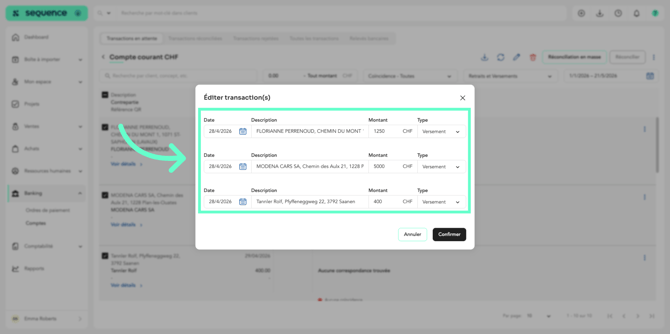
- Make the necessary changes.
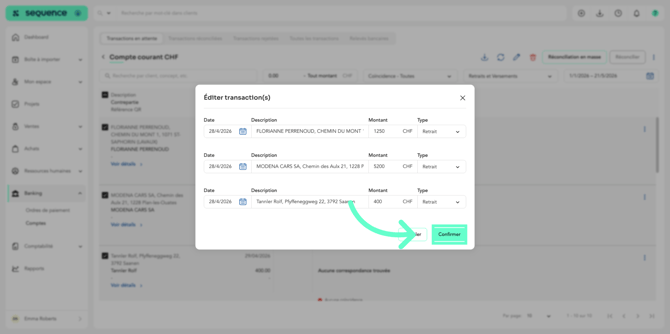
- Once the modifications are complete, click “Confirm.”
To learn more about how to reconcile a bank transaction, refer to the article “How to Perform a Reconciliation with AI?”