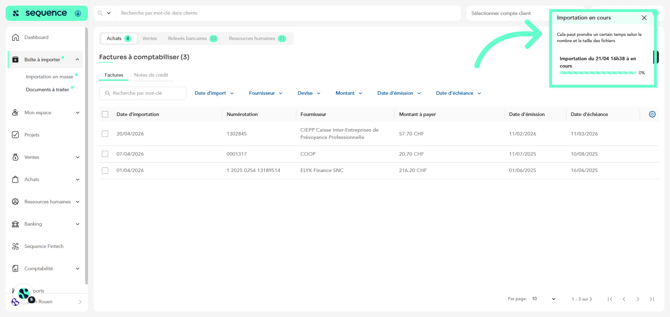
If you have uploaded your documents via the import inbox in Sequence and have classified them as purchase invoices, sales invoices, or expenses, and you made a mistake when classifying some of them, it is possible to reclassify them correctly.
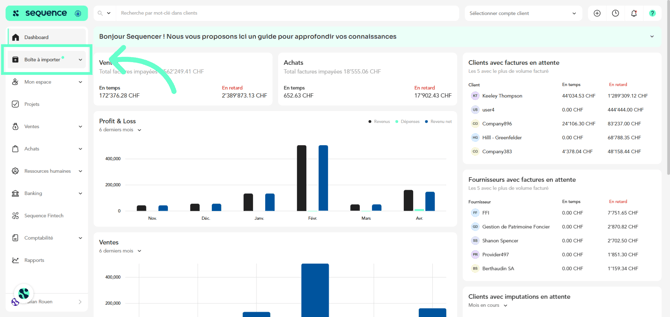
1. To reclassify a document, click on Import inbox in the left-hand menu.
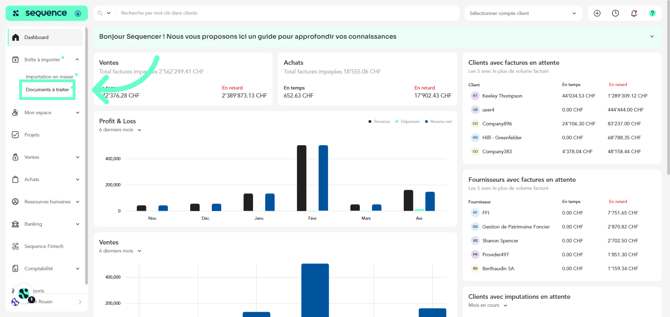
2. Then, click on Documents to process.
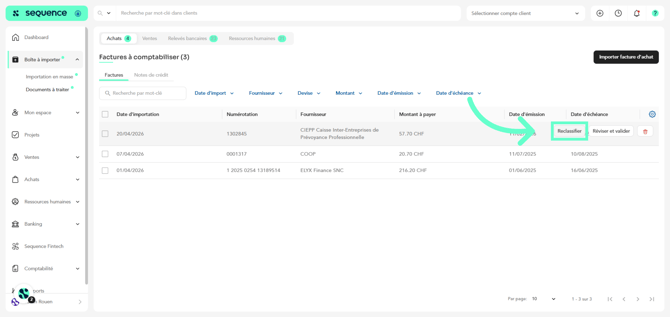
3. If you hover over any of the document rows in the table, the options Delete, Review and validate, and Reclassify will appear. Click on Reclassify.
4. Then, in the dropdown menu, select the correct category for this document.
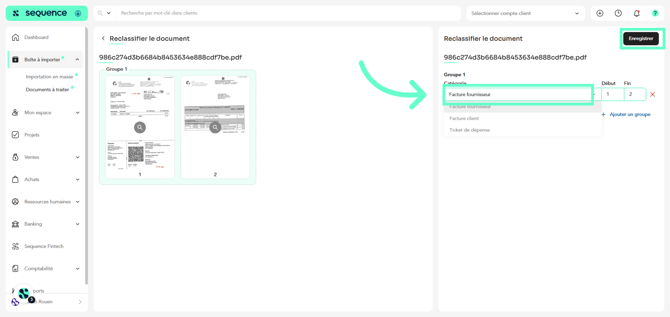
5. Click on Save.
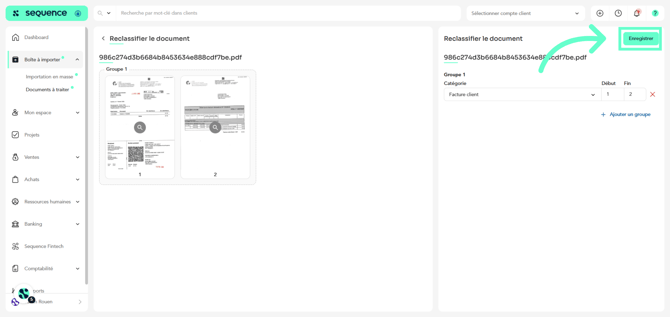
6. A modal window will inform you about the document reclassification process. Once it is completed, your document will have been reclassified.