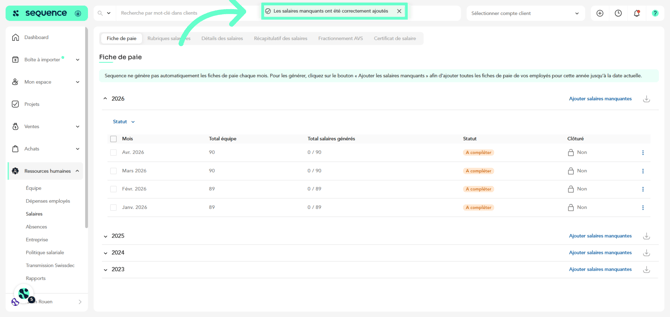
Follow these steps to generate payslips in Sequence :
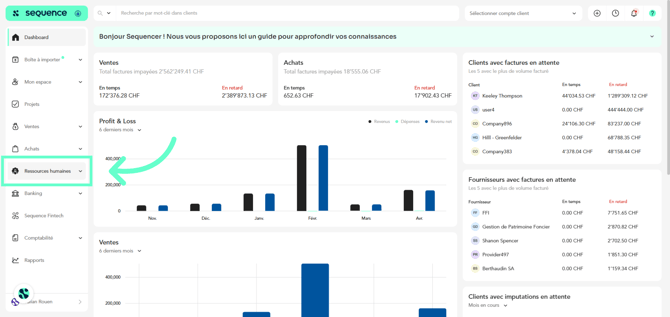
1. Click on Human Resources in the left-hand menu.
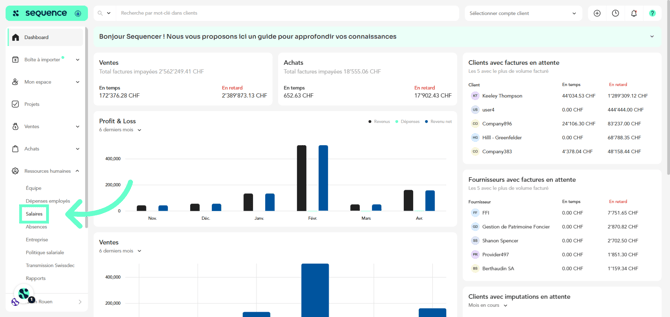
2. From the available options, click on Salaries.
3. On this screen, you will be able to view salaries organized by year and month.
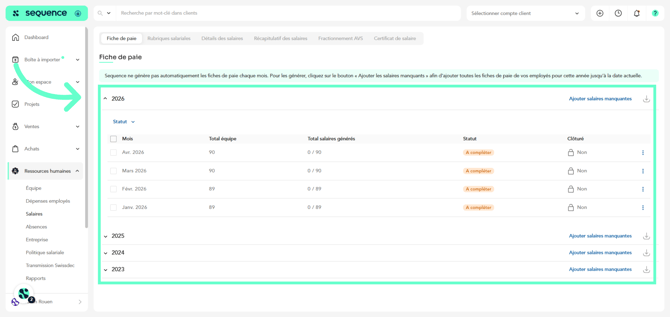
4. To add the missing salaries for the current year, click on “Add missing salaries”.
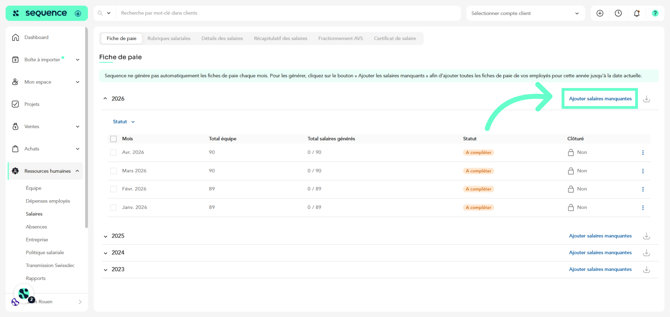
5. A notification will appear confirming that the salaries have been added. You can then access them, review them, and validate them.